Modern Web Development in 2026: A Practical Guide
"Web development" is a huge phrase that hides a lot of moving parts. This is the plain-English version — what a modern website is actually made of, the decisions that matter, and how the pieces fit together to ship something fast, reliable and easy to grow.

Web development has never offered more tools — or more ways to over-engineer a site that should have stayed simple. After several years of building and shipping websites for real businesses, one lesson keeps proving itself: the fundamentals matter far more than the framework of the month. Get structure, speed and search basics right, and almost any stack will carry you the rest of the way.
This guide walks through the entire picture — from the code your browser runs to the workflow that puts it live — in plain English, without the hype.
What "modern web development" actually means
Strip away the buzzwords and every website is still three languages the browser understands: HTML for structure, CSS for design, and JavaScript for behaviour. However clever a framework looks, it eventually compiles down to those three. So "modern" was never about piling on more tools — it's about using the right amount of tooling to ship something fast, accessible and maintainable.
In 2026, a good build answers four simple questions honestly:
- Speed — does it load in under two seconds on a mid-range phone, not just your fast laptop?
- Understandability — can a search engine and a screen reader make sense of it?
- Maintainability — can the owner update content without breaking the layout?
- Longevity — will the next developer still understand the code in six months?
If the answer to all four is yes, the stack you used barely matters. If the answer to any is no, no framework will save you.
The best tech stack is the simplest one that solves the problem well. Complexity is a cost you pay every single day the project stays alive.
The frontend: what visitors see and feel
The frontend is everything that runs in the browser — and it's where trust is won or lost in the first few seconds. Layout, speed and polish do the talking long before your copy does.
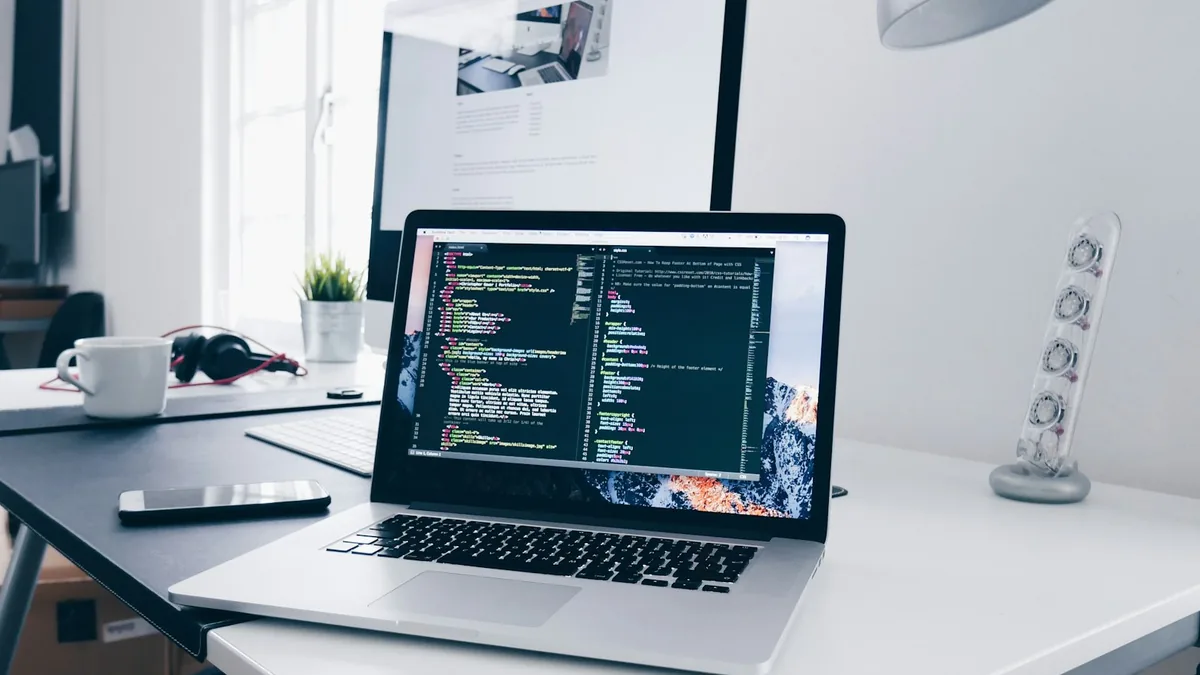
- Semantic HTML — reaching for the right elements (
<nav>,<main>,<article>, headings in order) hands you accessibility and SEO almost for free. It costs nothing and pays off everywhere. - Responsive CSS — with Flexbox, Grid and container queries, a single codebase adapts cleanly from a phone in one hand to a widescreen monitor, no separate mobile site required.
- Just-enough JavaScript — add interactivity only where it earns its weight. Plenty of sites that reach for a heavy framework would ship faster, break less and rank higher on vanilla JS or a light library.
Frameworks like React, Vue and Svelte genuinely shine for app-like interfaces juggling lots of dynamic state. But for a marketing site, portfolio or blog, a static or lightly-scripted build is almost always faster to load, cheaper to host and easier to keep secure. Match the tool to the job — don't inherit complexity you'll never use.
The backend: what happens behind the scenes
The backend is the half visitors never see — the server, the database and the logic that ties them together. It handles everything that can't live safely in the browser: user accounts, payments, form submissions, content management and the business rules that make an app an app.
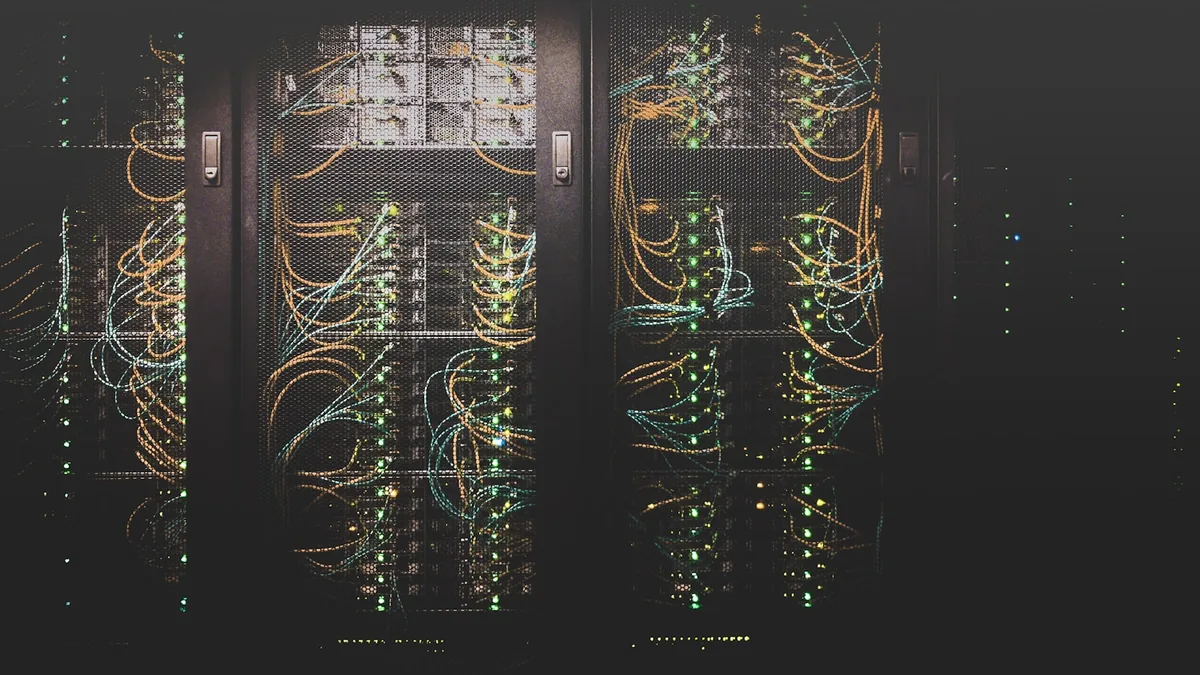
- Server & language — PHP (often through WordPress or Laravel), Node.js or Python powers the logic that responds to each request.
- Database — MySQL/MariaDB or PostgreSQL for structured data, and sometimes a document store when the shape of that data is looser.
- APIs — clean, well-documented endpoints let the frontend, mobile apps and third-party tools all read from one source of truth instead of drifting out of sync.
The biggest fork in the road here is custom code versus a CMS. If the client needs to publish and edit content themselves, a well-configured WordPress site is hard to beat. If the requirements are specific and performance is critical, a lean custom backend hands you full control with none of the plugin bloat. Neither is "better" in the abstract — the right answer depends entirely on who maintains the site after launch.
Performance is a feature, not a finishing touch
Speed is never something you "optimise later" — it's a design constraint from day one. Google's Core Web Vitals (loading, interactivity and visual stability) feed directly into both rankings and conversions, and the research is blunt about it: a single extra second of load time measurably drops sales.
The changes that move the needle most:
- Compress and correctly size every image, and serve modern formats like WebP or AVIF.
- Ship only the JavaScript a page actually needs, and defer whatever isn't critical to first paint.
- Cache aggressively at the browser and CDN level once the site is live.
- Reserve space for images and embeds so the layout never jumps as things load.
Want the full, repeatable playbook? I broke down my exact process in how I hit 95+ Lighthouse scores on every site I build.
SEO and accessibility, built in from the start
These two get bolted on at the end far too often — and it always shows. Built in from the start, they cost almost nothing and keep paying off for years.
- SEO foundations — clean URLs, descriptive titles and meta descriptions, a logical heading order, structured data (JSON-LD), a sitemap and genuinely fast pages.
- Accessibility — sufficient colour contrast, full keyboard navigation, alt text on images and labels on form fields. It's simply the right thing to do, and it overlaps so heavily with good SEO that you get much of it for free.
The workflow that actually ships
Brilliant code that never reaches production helps nobody. A dependable workflow is the bridge between an idea and a live site your client can rely on.
- Version control (Git) — every change tracked, nothing lost, and a safe path back when something goes wrong.
- A clear environment path — local → staging → production, so nothing untested ever hits real users.
- Sensible deployment — anything from a simple cPanel/FTP upload to automated CI/CD, matched to the size of the project rather than the trend.
- Monitoring — analytics, uptime checks and error logging, so you spot problems before your visitors do.
So where should you start?
If you're learning the craft: master HTML, CSS and JavaScript deeply before chasing frameworks — the fundamentals transfer to every stack, the frameworks come and go. If you're a business owner: resist buying the most complex solution on offer, and choose the one that loads fast, ranks well and you can actually maintain. The flashiest stack in the world means nothing if the site is slow, invisible to Google, or impossible to update.
The takeaway
Modern web development was never about knowing every tool — it's about making good trade-offs. Solid structure, real speed, search-readiness and a workflow you trust will out-perform a trendy stack every single time. Nail the fundamentals and everything else becomes a choice rather than a constraint. Want a faster, better website built on exactly these principles? Let's talk about your project.
Have a project in mind?
I build fast, modern, SEO-ready websites that help businesses grow.