How I Hit 95+ Lighthouse Scores on Every Website I Build
Speed isn't a finishing touch — it's a design constraint I work within from the first line of code. Here's the exact, repeatable playbook I use to ship fast, high-scoring websites every time.
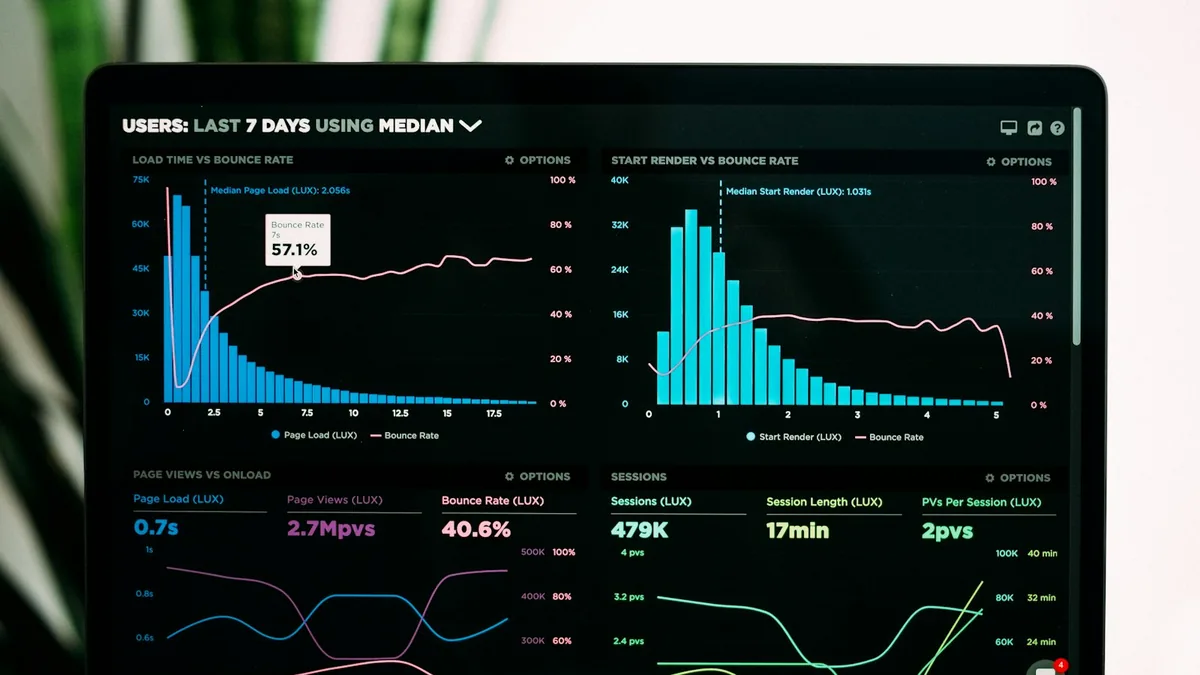
Every project I take on carries the same non-negotiable: 95+ Lighthouse scores and excellent Core Web Vitals on both mobile and desktop. Not because a green number looks good in a report, but because speed feeds straight into bounce rate, conversions and search rankings. Put plainly, a faster site earns more and ranks higher — the metric is just the scoreboard.
The encouraging part is that great performance isn't luck, talent or magic. It's a repeatable process, and here is exactly how I run it on every build.
1. Start with a performance budget
Before I write a single component, I set hard limits: a target page weight, a ceiling on the number of requests, and a cap on JavaScript. When every asset has to justify its cost up front, bloat never gets a foot in the door. Staying fast from day one is far easier than clawing performance back after launch, once a dozen "small" additions have quietly piled up.
2. Optimize images relentlessly
Images are the single biggest cause of slow pages — and the fastest thing to fix. My checklist for every image that ships:
- Serve modern formats like WebP or AVIF with sensible fallbacks.
- Set explicit
widthandheightto prevent layout shift. - Use
loading="lazy"for anything below the fold. - Prefer lightweight SVGs for icons and simple illustrations.

3. Lazy load and split code
A visitor should never download what they can't see yet. I lazy-load every offscreen image, defer non-critical scripts, and split larger applications so each page ships only the JavaScript it genuinely needs. The payoff is a faster first paint and a page that feels responsive the instant it appears, instead of one that stutters while it finishes downloading things nobody asked for.
The fastest code is the code you never send. Every kilobyte you don't ship is a kilobyte the browser never has to download, parse or execute.
4. Master Core Web Vitals
Three metrics carry the most weight, and each maps to a real feeling a visitor has:
- LCP (Largest Contentful Paint) — how quickly the main content appears. Keep your hero light, prioritized and never lazy-loaded.
- CLS (Cumulative Layout Shift) — how stable the page stays as it loads. Reserve space for images, fonts and embeds so nothing jumps under a reader's thumb.
- INP (Interaction to Next Paint) — how fast the page reacts to a tap or click. Keep the main thread free so it responds instantly instead of hanging.

5. Minify, cache, and compress
The final polish: I minify CSS and JavaScript, switch on Gzip or Brotli compression, and set up smart caching behind a CDN. Individually these steps take minutes, but together they shave off the last precious milliseconds and make returning visitors feel like the site loads the instant they click. Fast for a first-time visitor is good; near-instant for a repeat visitor is what keeps them coming back.
The takeaway
Performance is a habit, not a phase you tack on at the end. Bake it into your process — budgets, ruthlessly optimized assets, lazy loading, Core Web Vitals and caching — and 95+ scores stop being a goal you chase after launch. They become the baseline you build from on day one.
Want a site that loads this fast? Let's talk about your project — or explore my performance optimization service.
Let's make your website one of the fast ones
I build performance in from day one — so your site loads quickly, ranks better, and converts more.